KUBO CLEANING GUIDE
Keep your Kubo performing like new
Regular cleaning is essential to maintain consistent espresso quality and ensure the long-term reliability of your machine.
Good cleaning habits only take a few seconds and prevent most common issues related to coffee oils and mineral buildup.
Follow this simple routine to keep your Kubo in perfect condition.
Daily cleaning
After your coffee sessions
These basic steps take less than one minute and make a big difference in machine performance.
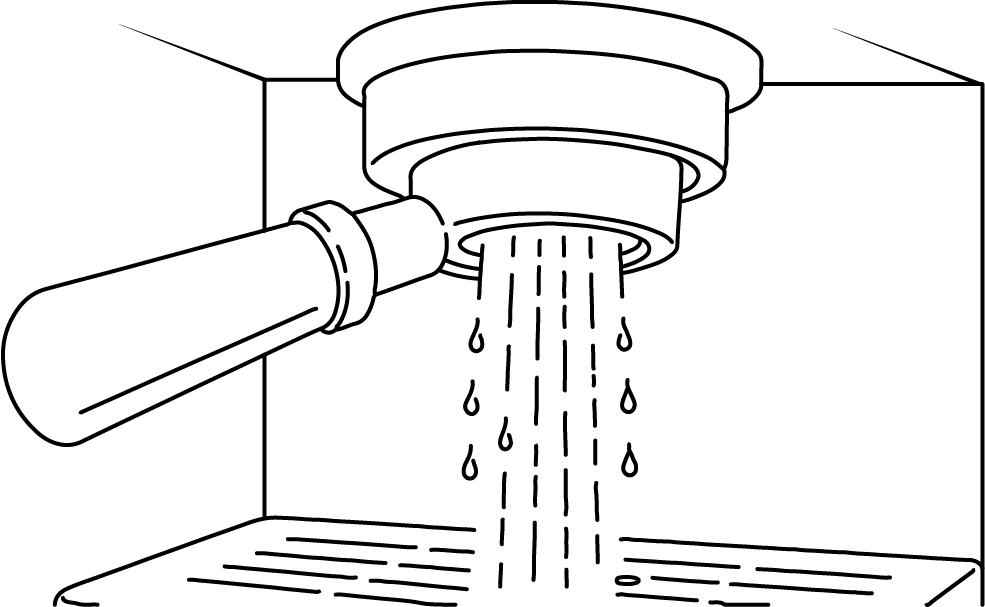
Flush the group
Clean the basket
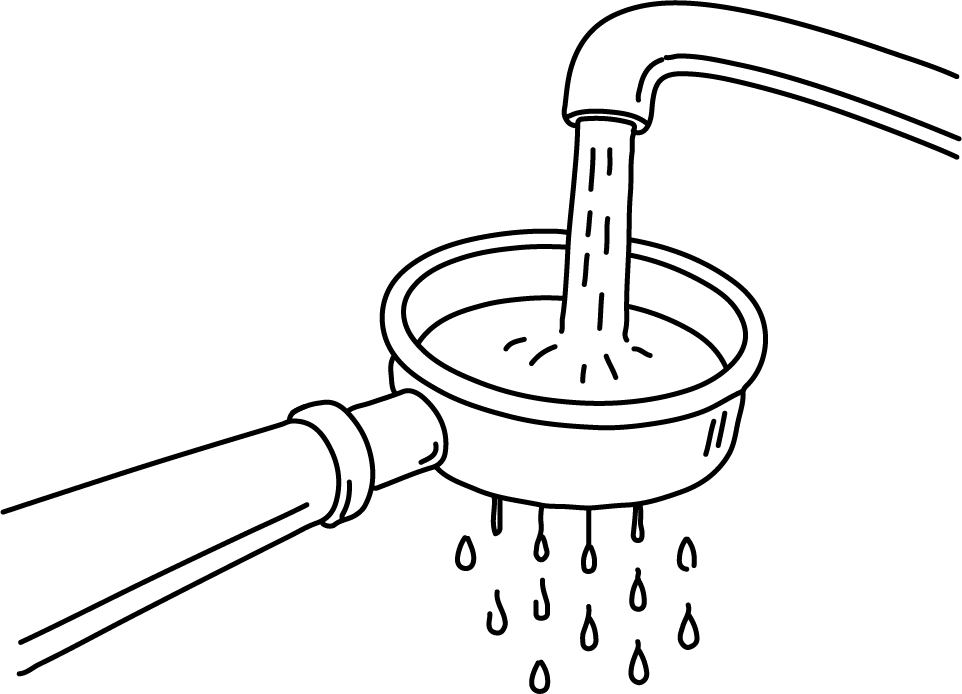
Remove the used coffee puck and rinse the basket with water. Make sure no coffee grounds remain stuck to the filter holes.
Empty the drip tray
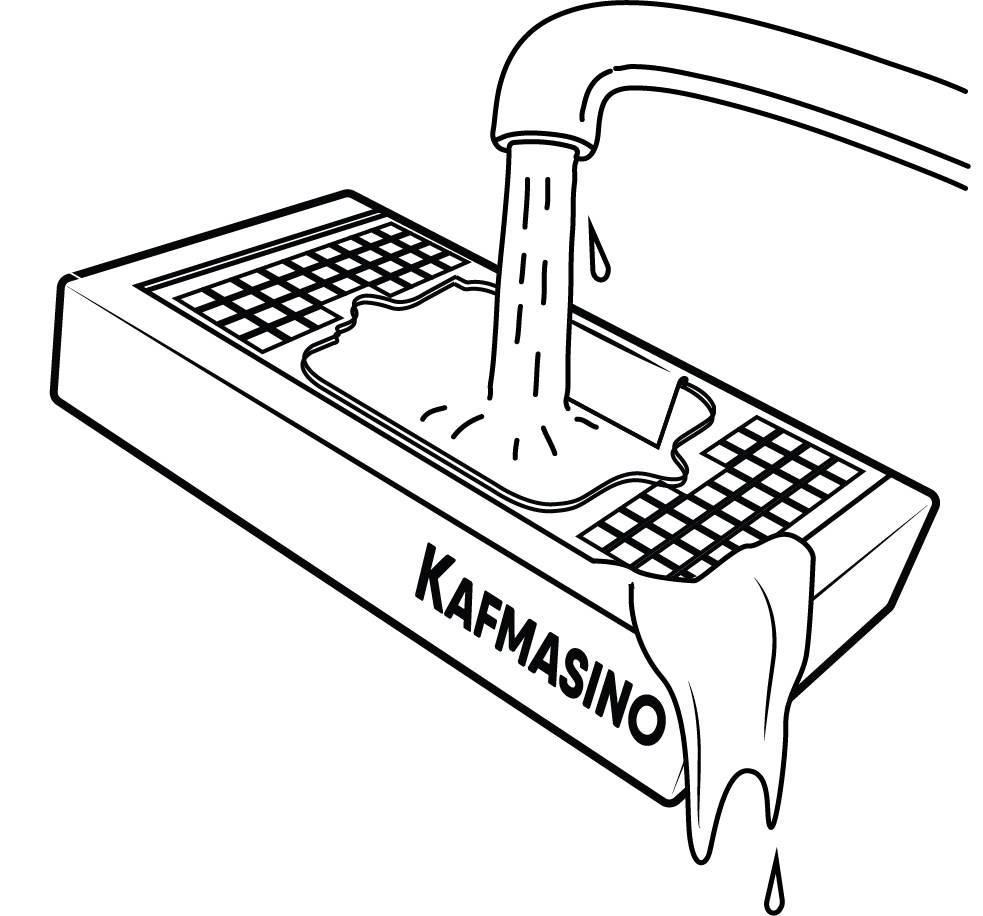
Empty and rinse the drip tray regularly to avoid overflow and maintain hygiene.
Weekly cleaning
Basic backflush
Once a week, perform a simple backflush with clean water.
How to do it:
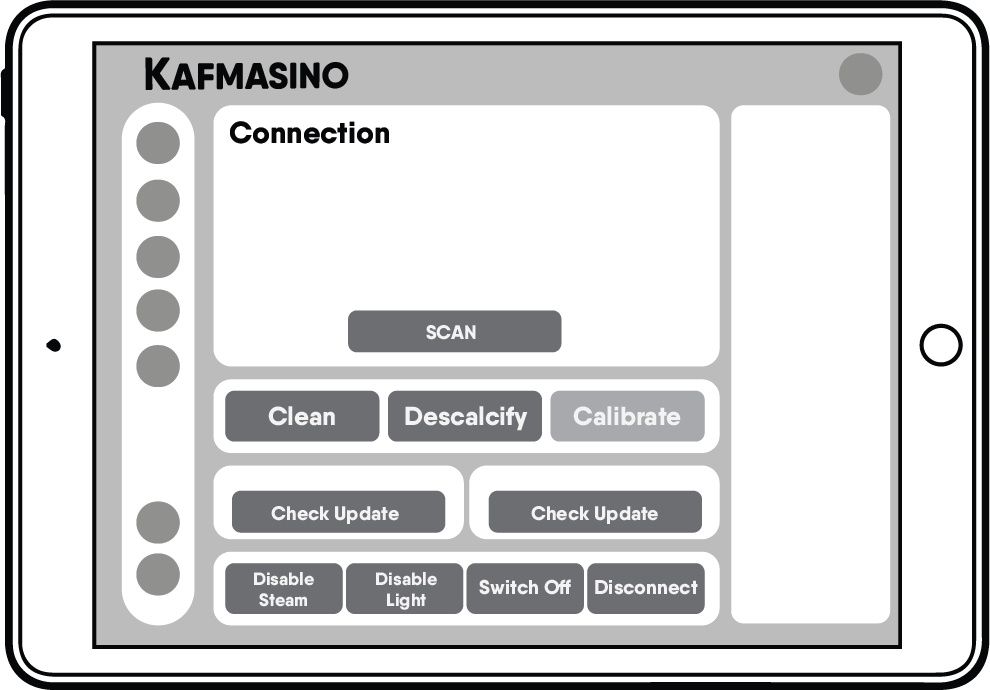
- Open the Settings tab in the app and navigate to Clean
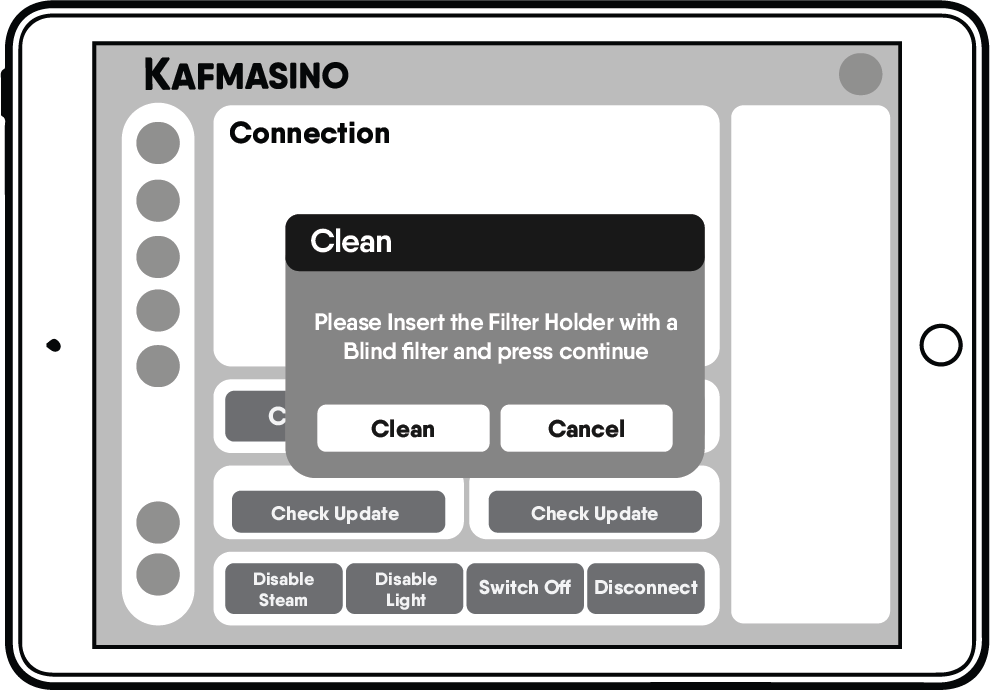
- Press the Clean button
- Insert the filter holder with a blind filter in place.
- Press Continue to start the cleaning cycle .
This helps clean the internal hydraulic circuit and remove coffee oils.
Monthly cleaning
Deep cleaning routine
Once per month (or more often with heavy use), perform a deeper cleaning.
Backflush with detergent
Use an espresso machine cleaning detergent suitable for backflushing.
Process:
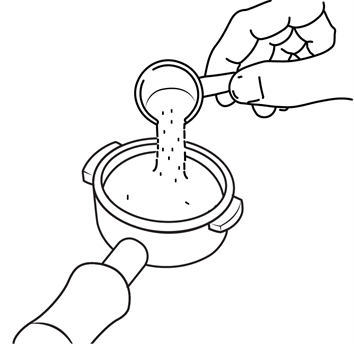
- Add a small amount of detergent to the blind basket.
- Insert the filter holder with a blind filter in place.
- Open the Settings tab in the app and navigate to Clean.
- Press the Clean button.
- Press Continue to start the cleaning cycle .
- Once the cleaning cycle is complete, run an additional water-only cycle to remove any detergent residue.
Always follow the detergent manufacturer’s instructions.
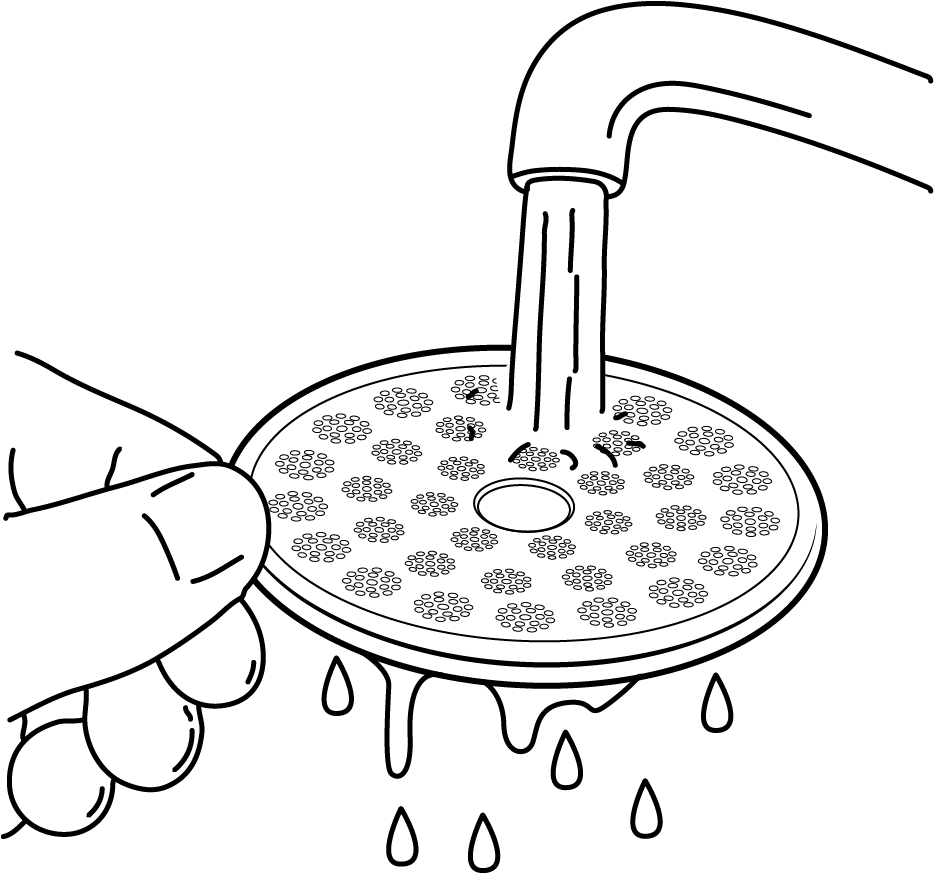
Clean the shower screen
Coffee oils accumulate on the shower screen over time.
To clean:
- Remove the shower screen if accessible.
- Rinse with warm water.
- Clean gently with a soft brush.
- Put the shower screen in cleaning powder for a few minutes.
- Reinstall carefully.
This helps maintain even water distribution.
Descaling
When to descale your machine
Descaling frequency depends on your water hardness and usage.
Typical intervals:
Soft water → rarely needed
Filtered water → occasional
Hard water → more frequent
Signs of descaling may be needed:(This be a indicator that the descaling should have been done so much before)
Slower heating
Reduced flow
Unusual noise
Temperature instability
Always use descaling products designed for espresso machines.
How to do it:
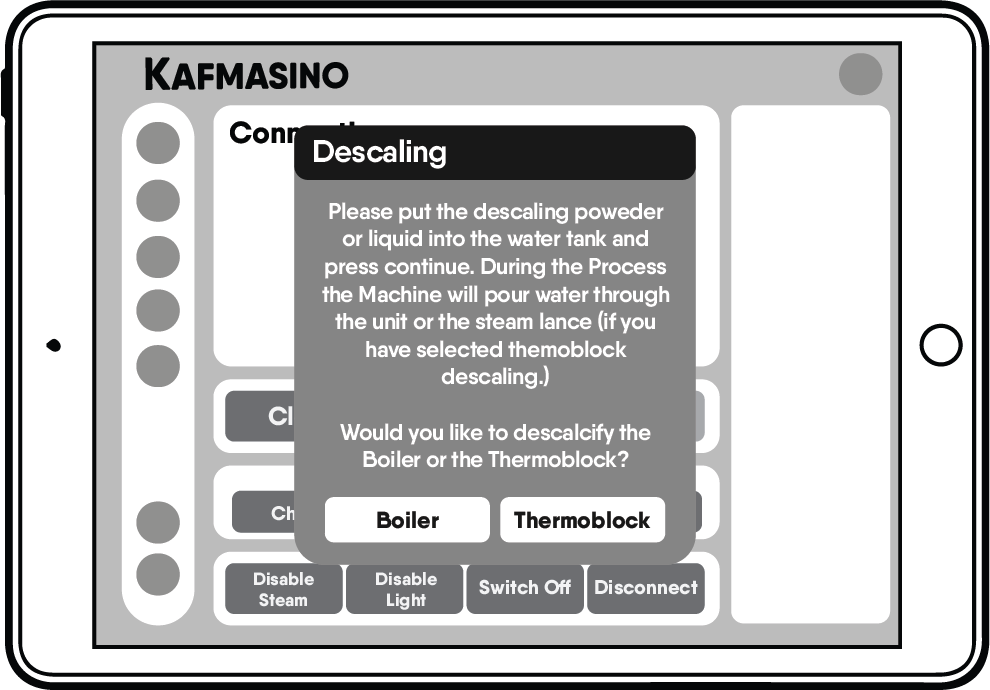
- Add the descaling powder or liquid into the water tank
- Open the Settings tab in the app and navigate to Descalcify
- Press the Descalcify button.
- Select whether you want to descale the Boiler or the Thermoblock.
- Press Continue to start the cleaning cycle.
During the process, the machine will run water through the unit or a steam lance (if Thermoblock descaling is selected)
Important recommendations
Using proper water is the best way to reduce maintenance.
Recommended:
Filtered water
Filtered water
Low mineral bottled water
Water suitable for coffee machines
Avoid:
Very hard water
Distilled water
Reverse osmosis water without remineralization
Important warning
Never use vinegar to descale your Kubo.
Vinegar can:
Damage internal components
Leave persistent odors
Affect seals and valves
Void warranty coverage in some cases
Always use proper espresso machine descaling products.
Good habits that extend machine life
Flush after your last shot
Keep baskets clean
Use good water
Perform regular backflush
Don’t delay cleaning routines
Small habits prevent big problems.
Next step
Now that you know how to maintain your Kubo, you can explore troubleshooting and solutions to common espresso and machine issues.